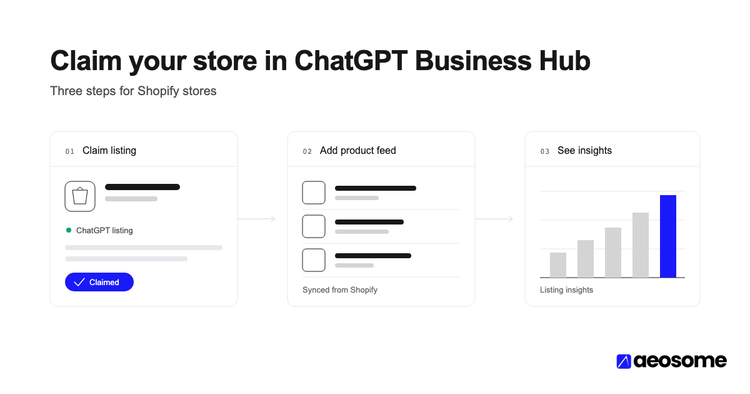
You don't build a product feed for ChatGPT on Shopify. Shopify Catalog sends your titles, prices, images, variants and availability for you. Eligibility is the part you control. You need a store that sells to US customers, three completed policies and accepted Agentic Storefronts terms. Each product needs a price, an image, a published listing and an identifiable product URL.
Key TakeawaysShopify lists 4 store conditions for selling on ChatGPT: US customers, Shopify Catalog eligibility, accepted Agentic Storefronts terms, and completed Terms, Privacy and Refund policies (Shopify Help Center).Shopify Catalog only takes products with a title, at least 1 image, a price greater than 0, and a published, listed status (Shopify Help Center).ChatGPT's feed spec has 9 required fields per item and accepts GTINs of exactly 8, 12, 13 or 14 digits with a valid check digit (OpenAI Commerce docs).Ratings appear on 73% of ChatGPT's product cards (AEOsome Research, 2026), so review data belongs in your checklist.Turning off ChatGPT's access to your catalog can take up to 7 days to apply (Shopify Help Center). Plan changes before a launch, not on the day.
You never uploaded a feed to ChatGPT. Shopify says you don't need to. So why does a shopper asking ChatGPT about your exact category see Walmart, Best Buy and Target, and not you?
Part of the answer is selection, which this post touches at the end. The part you can fix today is eligibility. A synced product can still be blocked by a store setting or a missing field, and it's easy to miss.
This guide is the Shopify Admin checklist, store level first and product level second. It decides whether your synced products can be shown at all.
In this article:
- What is the "product feed for ChatGPT" on a Shopify store?
- Step 1: Confirm your store qualifies
- Step 2: Make every product Shopify Catalog eligible
- Step 3: Fill the fields ChatGPT's feed spec expects
- Step 4: Meet the GTIN requirements for ChatGPT Shopping
- Step 5: Keep variants, price and stock in sync
- Step 6: Add reviews and ratings data
- Why do eligible Shopify catalogs still go missing?
- The full checklist
- Frequently asked questions
- Synced Isn't Eligible. Run the Checklist.
What is the "product feed for ChatGPT" on a Shopify store?
On Shopify, the product feed for ChatGPT is Shopify Catalog. It's Shopify's structured product layer for AI channels. It sends your products' "title, description, options, images, price, availability, and other key attributes" and keeps them updated (Shopify Help Center, retrieved October 2026).
Shopify's ChatGPT page is direct about it (Shopify Help Center, retrieved October 2026). In its words: "You don't need to do anything for your products to be discovered by ChatGPT through Shopify Catalog." The channel is active by default for eligible stores.
Two more terms help here. Agentic Storefronts is Shopify's name for selling inside AI channels such as ChatGPT. ACP (Agentic Commerce Protocol) is the open standard from OpenAI and Stripe that defines how an AI agent reads products and completes a purchase. See what ACP standardizes underneath Shopify's connection.
Purchases complete on your own Shopify checkout, shown in a ChatGPT in-app browser or a new tab (Shopify Help Center).
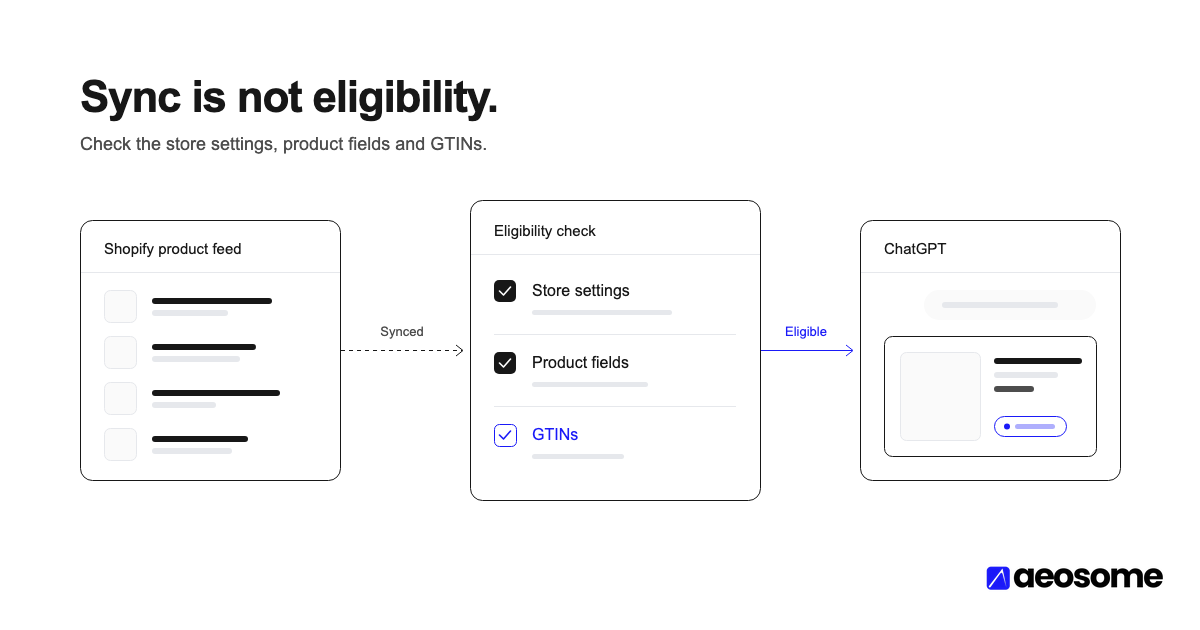
Think of three separate states. Synced means your data flows to ChatGPT. Eligible means your store and the product pass Shopify's rules. Selected means ChatGPT picks that product for a shopper's question. This post covers the first two. For the third, see how ChatGPT picks among eligible products.
Citation Capsule: On Shopify, the ChatGPT product feed is Shopify Catalog, which syncs titles, prices, images, variants and availability automatically. Sync is not eligibility: store policies, US selling and per-product rules still decide whether a product can appear (Shopify Help Center).
Step 1: Confirm your store qualifies
This step tells you whether your store can sell on ChatGPT at all. Shopify lists four store conditions, and they come before any product fix (Shopify Help Center, retrieved October 2026):
- Your store sells to customers in the United States. The business itself can be based outside the US.
- Your products are eligible for Shopify Catalog (Step 2).
- You agree to the Shopify Agentic Storefronts Supplemental Terms of Service.
- Your Terms of service, Privacy policy, and Return and refund policy are completed.
Shopify Catalog adds its own store rules. Your store must be on the Starter plan or higher. It can't be password protected or in private mode, and it can't be B2B-only (Shopify Help Center, retrieved October 2026).

| Condition | Where to check in Shopify Admin | A pass looks like |
|---|---|---|
| Sells to US customers | Settings → Markets | United States is an active market |
| Store policies | Settings → Policies | Terms, Privacy, Return and refund all filled in |
| Not password protected | Online Store → Preferences | Password protection off |
| Plan | Settings → Plan | Starter or higher |
| Agentic terms and status | Sales channels → Agentic → ChatGPT | Terms accepted, ChatGPT shows as active |
To verify, open Sales channels → Agentic → ChatGPT. That page shows your status and the Shopify Catalog access toggle (Shopify Help Center). If any store condition fails, no product fix will help.
Step 2: Make every product Shopify Catalog eligible
By the end of this step, each product you want on ChatGPT will clear Shopify Catalog's product rules. A product needs a title, at least 1 image, a price greater than 0, and an identifiable product URL (Shopify Help Center, retrieved October 2026).
It must also be published to your Online Store, Hydrogen or Headless channel. Products with Unlisted status, or hidden from search engines, are excluded. So are sensitive or prohibited categories such as alcohol, tobacco and weapons (Shopify Help Center).
Most blockers here are Admin housekeeping, not spec problems. Each takes minutes to fix once you find it.
| Requirement | Common Shopify trap | Fix in Admin |
|---|---|---|
| Price greater than 0 | $0 samples or gift-with-purchase items | Price the item, or accept it stays off ChatGPT |
| Published | Product left in Draft | Set status to Active |
| On a sales channel | Not published to Online Store | Add the Online Store channel on the product |
| At least 1 image | Imported product with no media | Upload a product image |
| Listed | Product set to Unlisted | Set to Active if it should sell on ChatGPT |
Warning: the Unlisted trap. Shopify's advice for hiding a product from AI channels is to set it to Unlisted. That status also removes it from sitemaps, Google and your own store search (Shopify Help Center, retrieved October 2026). If you use Unlisted for wholesale or sample SKUs, check that you meant to hide each one everywhere.
To verify, go to Sales channels → Agentic → Sources → Shopify Catalog. Click the product count, then "Review product data mapping" (Shopify Help Center). Compare that count with the number of products you expect to sell.
Step 3: Fill the fields ChatGPT's feed spec expects
OpenAI's feed spec requires 9 fields per item: item_id, title, description, url, brand, seller_name, image_url, availability and price (OpenAI Commerce docs, retrieved October 2026).
Shopify generates item_id and seller_name for you. The other seven come from fields you fill in, so your job is keeping those complete and accurate.
| Feed field | Shopify source | Watch for |
|---|---|---|
title |
Product title | Vague names with no product type |
description |
Description | Marketing copy with no facts |
brand |
Vendor | Left blank or set to the store name |
image_url |
Media | Missing or placeholder images |
price |
Price, Compare-at price | $0 items, wrong currency |
availability |
Inventory | Untracked stock on sold-out items |
url |
Product handle | Broken or redirected handles |
Vendor is easy to overlook. An empty Vendor leaves brand with nothing useful. Set it to the real brand name on every product.
OpenAI also lists recommended fields worth filling: product_category, color, size, material, gender, age_group, sale_price, return fields, review_count and star_rating (OpenAI Commerce docs). Set the Shopify product category on every product, and keep descriptions factual. For the full cross-platform spec, see the full field-by-field feed spec.
If attributes live in metafields, metaobjects or tag prefixes, map them on the Channel mapping page under Sales channels → Agentic (Shopify Help Center). For the markup side, read about setting up product metafields.
Citation Capsule: OpenAI's product feed spec requires nine fields for every item, including brand, seller name, availability and price. On Shopify these come from your product record, so an empty Vendor field or a missing image is a feed gap (OpenAI Commerce docs).
Step 4: Meet the GTIN requirements for ChatGPT Shopping
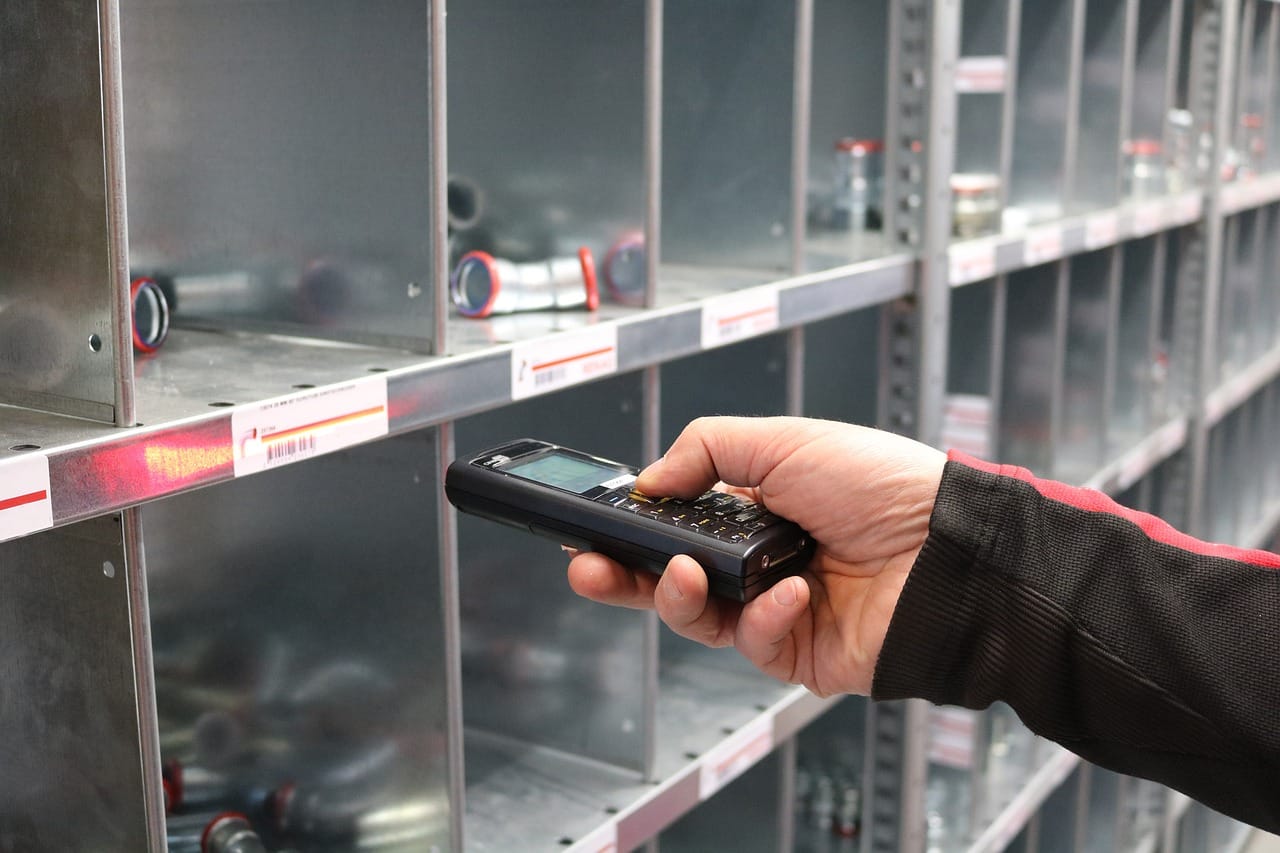
By the end of this step, every variant with a manufacturer barcode will carry it. A GTIN (Global Trade Item Number) is the barcode number behind UPC, EAN and ISBN codes. OpenAI's spec marks GTIN as optional. When you send one, it must be exactly 8, 12, 13 or 14 digits with a valid check digit (OpenAI Commerce docs, retrieved October 2026).
Keep leading zeros. Don't add spaces or dashes. On Shopify, enter the number in each variant's Barcode (ISBN, UPC, GTIN, etc.) field.
Why fill an optional field? Google's answer is plain (Google Merchant Center Help, retrieved October 2026). Products with missing or incorrect GTINs "may have limited visibility." And "accurate matching to products can't be assured when GTIN is missing."
That matters for the Shopify Google Merchant Center connection too. The same Barcode field feeds Shopify's Google & YouTube channel. One fix serves both channels. ChatGPT doesn't read Merchant Center, but both paths start from the same Shopify product data.
Google's rules are worth following everywhere. Each variant gets its own GTIN, so a shirt in three colors needs three. Avoid restricted prefixes 02, 04 and 2, and coupon ranges 05, 98 and 99 (Google Merchant Center Help).
No GTIN? Private-label, custom and handmade goods often don't have one. Send an mpn only if the manufacturer assigned it, and keep brand accurate. OpenAI says not to invent a value to replace a missing GTIN (OpenAI Commerce docs). For the variant-level view, see SKU-level readiness.
Step 5: Keep variants, price and stock in sync
ChatGPT reads products at the variant level. Each variant needs a stable item_id and a shared group_id, with its option values in variant_dict (OpenAI Commerce docs, retrieved October 2026).
OpenAI's spec adds a blunt rule: "Never include price in an offer ID." Shopify variants map to this structure natively. Separate products for each color break it. If your catalog is built that way, Shopify lets you group separate products as variants on the Channel mapping page (Shopify Help Center).
Price and stock need the same care. OpenAI's spec says to "update the feed when a sale starts or ends" (OpenAI Commerce docs). Shopify Catalog keeps product data updated (Shopify Help Center). Drift can come from apps that change the price on the storefront only, such as discount widgets.
That drift is visible. At the purchase stage, a price is named in 60.7% of Study 2 answers (AEOsome Research, 2026, Chapter 1). Our interpretation, not a measured result: engines treat a stated price cap as a ranking preference, not a filter (AEOsome Research, 2026). See why price accuracy matters for budget queries.
To verify, compare a sale item's price in Admin with the price on its live product page.
Step 6: Add reviews and ratings data
Review fields don't decide eligibility, but ratings shape rank inside the carousel. OpenAI's spec takes review_count and star_rating, an average on a 0 to 5 scale to two decimals. Each rating must pair with a matching positive review count (OpenAI Commerce docs, retrieved October 2026).
Our study shows ratings are close to universal on the shelf. They are present on 73% of ChatGPT's cards (AEOsome Research, 2026, Study 2). Surfaced products are pre-filtered to four stars: 2.6% to 7.6% are rated below 4.0 (AEOsome Research, 2026).
Inside ChatGPT's eight-slot carousel, one standard deviation of rating doubles the odds of rank one, an odds ratio of 2.1. That comes from Study 1, ChatGPT answers about women's dresses (AEOsome Research, 2026).
| Engine | Product cards with a rating (Study 2) |
|---|---|
| ChatGPT | 73% |
| Copilot | 69% |
| Google AI Mode | 38% |
| Perplexity | 17% |
On Shopify, review apps often store ratings in metafields. Map them to review_count and star_rating on the Channel mapping page. For the ranking question, see how reviews affect ChatGPT rankings.
Citation Capsule: Ratings appear on 73% of ChatGPT's product cards, and only 2.6% to 7.6% of surfaced products sit below four stars (AEOsome Research, 2026). Review data is not an eligibility rule, but it is part of a complete feed.
Why do eligible Shopify catalogs still go missing?
Eligibility is a maintained state, not a one-time setup. A product moved to Draft, an edited policy page, a removed US market or a new $0 SKU can drop products out. None of these changes is easy to spot from your dashboard. Turning ChatGPT access off can take up to 7 days to apply (Shopify Help Center), so plan any opt-out ahead of a launch.
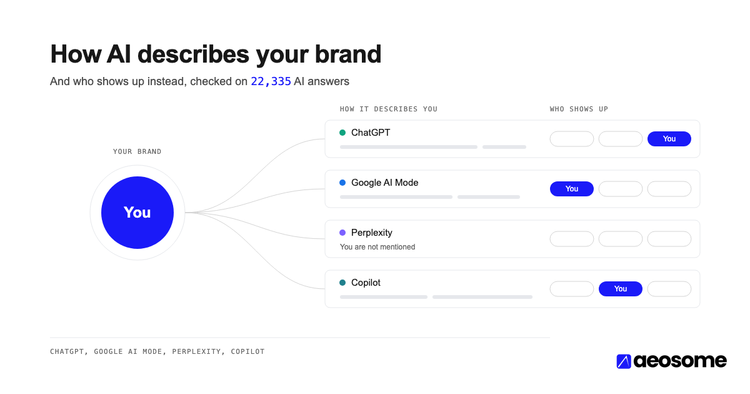
Eligible is not selected, either. ChatGPT leads with Walmart (11.0% of slots), then Best Buy and Target. Its top three merchants hold 24% to 25% of slots (AEOsome Research, 2026, Study 2).
Brand-owned stores held 15.5% of ChatGPT's card slots in Study 2 (AEOsome Research, 2026). Brand stores do win slots. They compete with big retailers for each one.
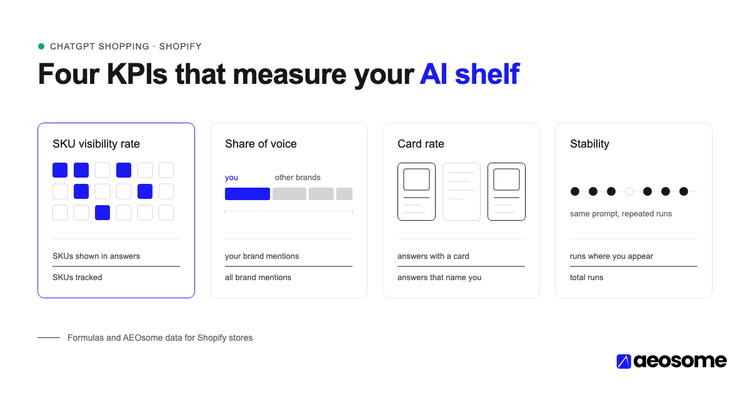
Re-run this checklist monthly and after any catalog, policy or market change. For the selection side, run a full visibility diagnostic. Then track SKU visibility rate. Finally, confirm ChatGPT traffic in GA4.
The full checklist
Copy this into your team's task list and work it top to bottom.
Store (once, then after changes)
- [ ] Sells to customers in the United States (Settings → Markets)
- [ ] Starter plan or higher
- [ ] No password protection or private mode
- [ ] Not B2B-only
- [ ] Agentic Storefronts Supplemental Terms accepted
- [ ] Terms of service, Privacy policy, Return and refund policy completed
- [ ] ChatGPT shows as active in Sales channels → Agentic
Every product
- [ ] Title names the product type
- [ ] At least 1 image
- [ ] Price greater than 0
- [ ] Active and published to Online Store
- [ ] Not Unlisted, unless you mean to hide it everywhere
- [ ] Vendor set to the real brand
- [ ] Factual description and Shopify product category set
Every variant
- [ ] Own barcode (GTIN), or a real manufacturer MPN
- [ ] Option values set
- [ ] Correct price and stock
Selection extras
- [ ] Color, size and material mapped
- [ ] Review count and star rating mapped from your review app
Monthly
- [ ] Re-run the list after catalog, policy or market changes
Frequently asked questions
Does Shopify send my products to ChatGPT automatically?
Yes, for eligible stores. Shopify Catalog sends your product data, and the ChatGPT channel is active by default. Shopify says you don't need to do anything for discovery (Shopify Help Center).
Do I need a separate product feed app for ChatGPT Shopping on Shopify?
No. Shopify Catalog is the feed. A feed app doesn't change Shopify's eligibility rules, so fix your store settings and product fields first.
Does ChatGPT Shopping require a GTIN for my Shopify products?
No. OpenAI's spec marks GTIN as optional, with strict format rules when sent (OpenAI Commerce docs). Fill it anyway where one exists. Google says missing GTINs may limit visibility (Google Merchant Center Help).
Why aren't my Shopify products showing up in ChatGPT?
Check the four store conditions first. Then look for Unlisted, Draft or $0 products. If those pass, the issue is selection, not eligibility.
Can my store sell on ChatGPT if it's based outside the US?
Yes, if it sells to customers in the United States. Shopify's condition is about who you sell to, not where your business is based (Shopify Help Center).
Synced Isn't Eligible. Run the Checklist.
Shopify removed the feed-building step. It also removed the moment when you used to audit your data. Four store conditions and 9 required feed fields now decide eligibility quietly. Ratings, present on 73% of ChatGPT's cards (AEOsome Research, 2026), help decide rank once you're on the shelf.
Want to know which of your SKUs are eligible, and which ChatGPT actually shows? Request a free AI shopping audit from AEOsome.
Retrieval note: the Shopify Help Center, OpenAI Commerce docs and Google Merchant Center Help pages cited here are undated and change. All were retrieved in October 2026.
Vijaya Kumar Channalli is a serial SaaS founder and the founder of AEOsome (Tartu, Estonia), which helps eCommerce brands get their products recommended when shoppers ask AI what to buy. Read how we write, source and correct posts in our editorial policy.